
For Students
Beat the blank page by talking.
A 1,500-word essay takes 40 minutes to type and 10 to speak. Flunkey turns rambling spoken drafts into clean, punctuated text in Word, Google Docs, and anywhere else you write.
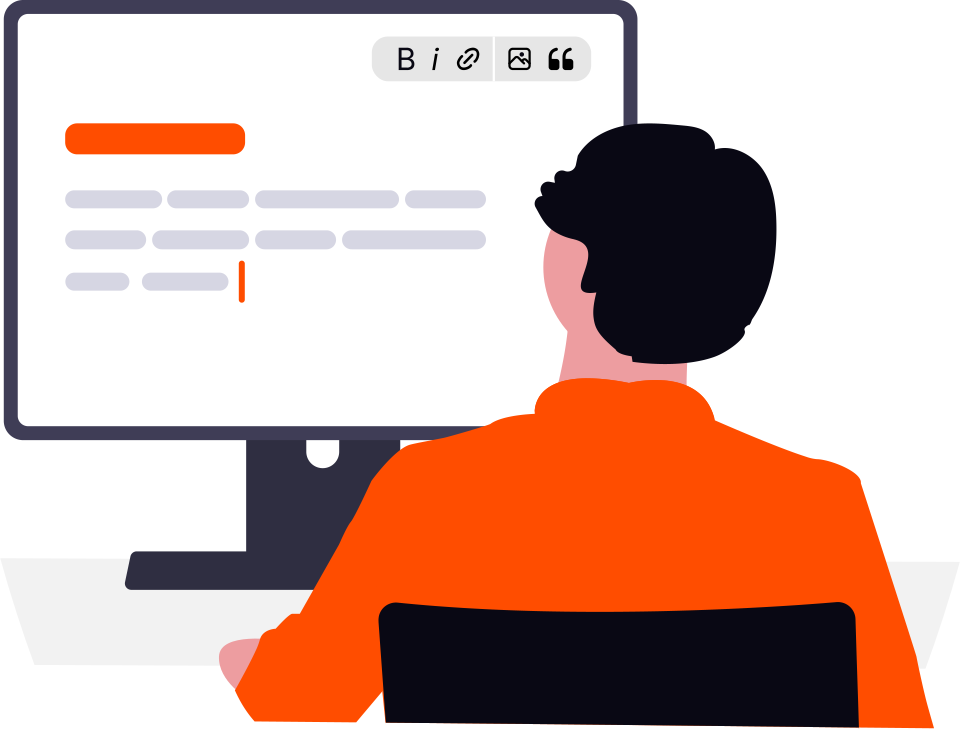
Typing speed shouldn't cap your grades.
Ideas arrive at speaking speed and die at typing speed. Dictation closes the gap: argue out loud, capture lectures as notes, and let Flunkey handle punctuation, filler, and formatting.
- First drafts stall because 40 wpm typing can't keep up with thinking
- Lecture notes end up as fragments you can't decode later
- Polite, formal emails to professors take longer than the assignment
- Proofreading eats the evening after writing ate the afternoon
Three jobs Flunkey takes off your plate.
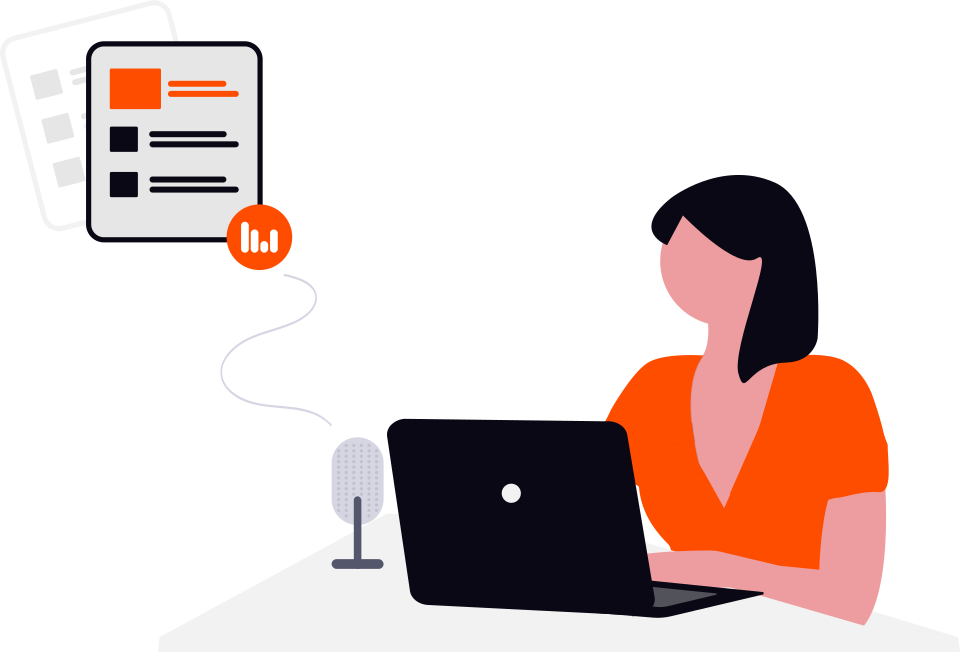
Essays from spoken drafts
Argue your thesis out loud — structure, evidence, counterpoints — then edit the clean transcript instead of facing a blank doc.
“My thesis is that urban green spaces reduce heat deaths, first because of shade, second because of community cooling centers”
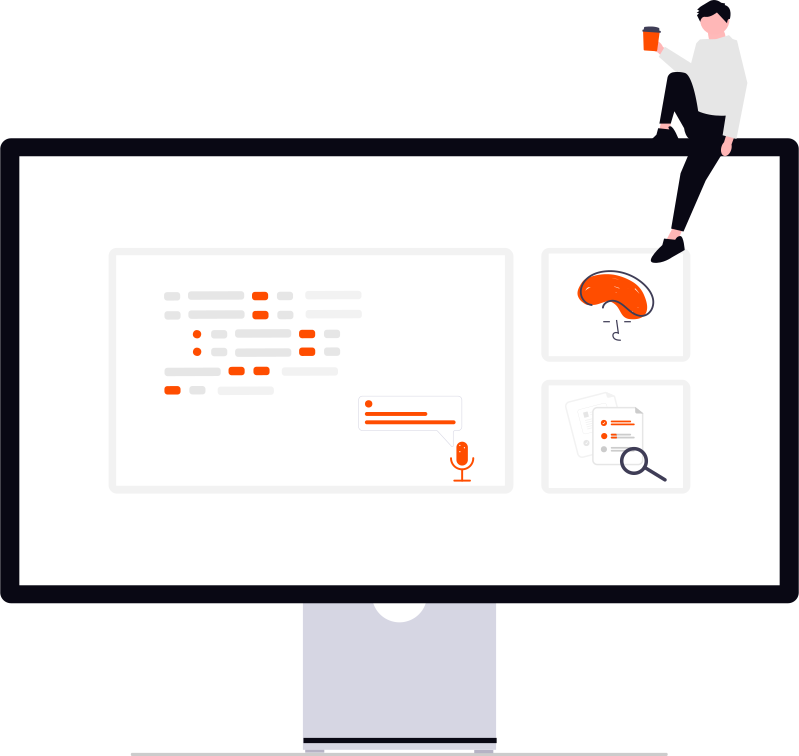
Lecture notes that survive
Summarize each lecture in your own words right after class. Speaking forces recall; the formatted notes make revision painless.
“Today covered mitosis stages, remember PMAT and that cytokinesis differs in plant cells”

Sound academic in one pass
Select a casual paragraph, hold F10, say 'make this academic' — tone, grammar, and clarity fixed in place.
“make this formal, fix grammar, keep my argument intact”
Your hotkeys, mapped to the work.
Draft by voice
Essays, notes, and discussion posts dictated into Word, Docs, or Notion at your cursor.
How it works
F9Study assistant
Ask for explanations and summaries while reading; answers stream beside your notes.
How it works
F10Polish the prose
Formalize tone, fix grammar, translate sources — without retyping.
How it works
Frequently asked questions.
No — the ideas, structure, and editing are yours; Flunkey is an input method, like a keyboard. Always follow your institution's AI and authorship policies, and disclose assistance where required.
Yes — anywhere you can type, including Docs, Word, Notion, and LMS text boxes. Paste happens at the cursor with per-app handling.
Add course vocabulary once to the custom Dictionary — names, theories, formulas-as-words — and transcription prefers your spelling.
Flunkey is free for everyone, MIT open-source. You only need one provider key; Groq's free tier covers typical student dictation.
Your text goes only to the provider you configured — no Flunkey servers, no accounts. History lives on your PC until you wipe it.
New here? Read the Quick Start — installed and dictating in five minutes.
Windows 10/11 64-bit · No accounts · All use cases